What should you check if a Temu code does not work?
If Temu code ALJ252960 or ALH436985 does not show an offer, check the exact spelling and search it in the Temu app search bar. Then read the account-eligibility message, expiry and purchase conditions. If an offer opens but no discount appears at checkout, check the issued coupon separately. Repeated searches cannot make an ineligible account qualify.
Start with what actually happened
“Not working” can mean several things: the code produces no promotion, Temu says you are not eligible, or a coupon appears but your order total does not change. Those are different problems. The message on your screen is more useful than a claim in a social post.
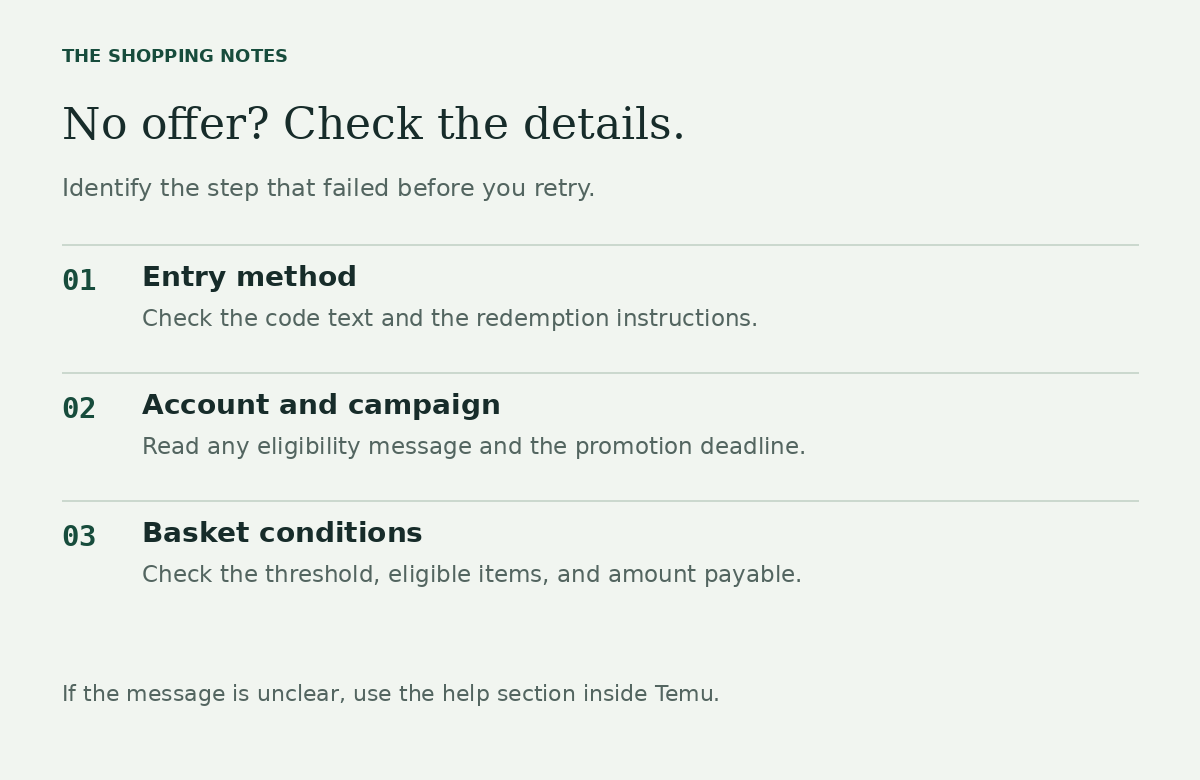
Before retrying, note which step failed. Did the app recognize the code? Did it show an offer? Did that offer apply to the basket you intended to buy? Work through the checks below in that order.

What you see, and what to check next
| What you see | What to check |
|---|---|
| Ordinary product results | Check the full code and whether the promotion instructions say to use app search. |
| An eligibility or expiry message | Read the stated restriction. Ask Temu if the account decision is unclear. |
| An offer, but no checkout saving | Check the coupon selection, minimum spend, eligible items, and expiry shown with the offer. |
| A browser opens instead of the app | Open your Temu app manually and paste the copied code into its search bar. |
This table suggests checks; it does not diagnose your account or confirm that a code is currently valid.
Check the code and the entry method
Copy the full code from its original listing. Remove accidental spaces and make sure a letter has not been mistaken for a number. Then use the redemption method attached to that specific promotion.
Our listed affiliate codes are presented with instructions to search them in the app. If your account instead gives you a checkout coupon, use the instructions shown with that coupon. Moving the same code between unrelated input boxes is not proof that it should be accepted.
If the app itself will not load, first check whether you can open another page in the app. An interrupted connection is separate from a promotion eligibility decision.
Read any eligibility message
If a promotion says it is for a defined group of customers, that condition matters. A code promoted to new shoppers may not give an existing account the same offer. A post mentioning a country also does not establish that the promotion is available in every other region.
Check the account and shopping region you normally use. Avoid changing account details simply to try to force an offer. If the message does not explain the restriction, ask Temu support to clarify it.
Read our new versus existing user guide for a simple way to compare the eligibility claim with what your account actually shows.
Check the deadline and basket conditions
Find the terms of the specific coupon, not just the headline of the campaign. Look for an expiry time, minimum spend, product exclusions, maximum discount, or a rule about using other offers at the same time. Only apply restrictions that are actually shown; do not assume every promotion uses the same rules.
If you received a bundle, inspect each coupon separately. A large combined bundle value does not tell you which single coupon can apply to this order.
A useful question: “What exact condition does my current basket fail?” If you cannot answer it from the offer screen, keep the basket unchanged and ask support.
When to stop retrying
If the code is rejected after you have checked the entry and visible conditions, repeated searches do not establish eligibility. Avoid creating more accounts, buying something just to test the code, or assuming a promised reward will appear after payment.
For an account-specific answer, use the help or customer-service section inside Temu. Explain the code, the error message, and the step where it failed. Share screenshots only through the appropriate support channel, with unrelated personal details removed.
If there is no eligible promotion, the useful decision may be to compare prices elsewhere or postpone the purchase. A failed coupon is not a reason to spend more.
Temu · Affiliate code
Ready to open Temu?
Up to 30% off; $100 coupon bundle also listed
Copy the code and search it in the Temu app. Eligibility and terms apply; the offers are not confirmed as combinable.
We may earn a commission. No offer is guaranteed.
Related guides
For current account and promotion conditions, use the terms and help shown inside Temu. General guidance here does not verify a code or replace the offer terms.