Where do you enter ALJ252960 or ALH436985?
To use Temu affiliate code ALJ252960 or ALH436985, copy one code, paste it into the Temu app search bar, and search. Read the offer and eligibility message shown for your account. These are affiliate search codes, not automatically applied checkout coupons. If Temu issues a separate coupon, follow its instructions and confirm the discount before paying.
Before you start
A code in a post is only the starting point. The useful result is an offer that appears in your own Temu account, has conditions you can meet, and reduces the cost of something you wanted to buy.
The codes listed here are affiliate promotion codes supplied by this site's publisher. For these codes, start with the search bar in the Temu app. If Temu gives you a separate checkout coupon or different redemption instructions, follow those instructions instead. A search code and a checkout coupon are not necessarily interchangeable.
For campaign details before you search, compare ALJ252960’s discount and bundle listings with the ALH436985 gift campaign.

App search code or checkout coupon?
| What you have | Where to start | What to confirm |
|---|---|---|
| An affiliate search code listed here | Search the full code in the Temu app. | An offer appears for your account; read its terms. |
| A coupon issued inside Temu | Follow the entry or selection instructions shown with that coupon. | The coupon applies to your order and changes the amount payable. |
These are different stages. Opening a referral link or finding a promotion is not evidence that a checkout discount has been applied.
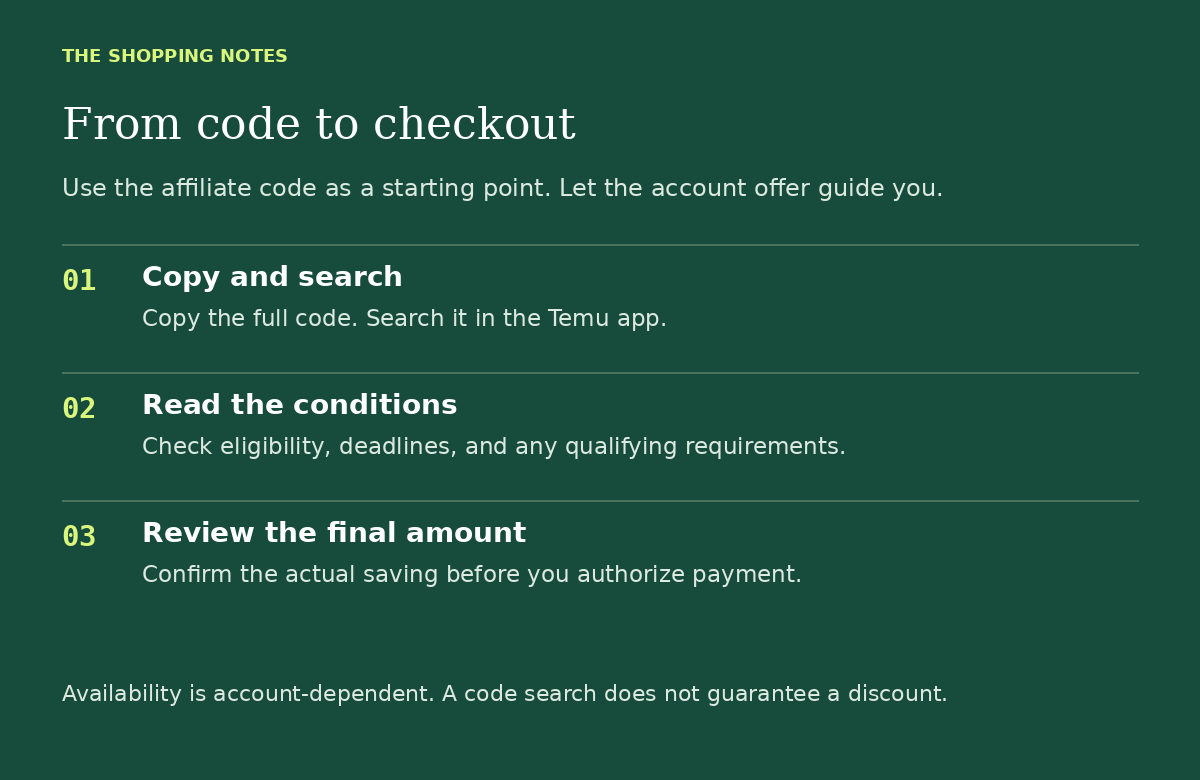
1. Copy the code and search it in the app
Use the copy button on the codes page, or select the code and copy it manually. Open the Temu app you normally use, paste the full code into the search bar, and submit the search.
Check that there is no extra space before or after the code. Copying is easier than retyping a long string of letters and numbers, especially if you are switching between your phone browser and the app.
If you only see ordinary product results, no promotion, or an error message, do not assume that a discount has been added. Read the code troubleshooting guide before spending time retrying.
2. Read the offer that appears
Look past the headline and find the conditions. Write down the details that affect whether you can actually use the offer:
- Who qualifies: does the promotion say new customers only, or list another eligibility condition?
- What you receive: a discount on this order, several separate coupons, a credit, or access to a promotion?
- What you must do: is there a minimum spend, eligible product restriction, qualifying order, or another required action?
- When it ends: what expiry date or time does your account show?
If the conditions are unclear, stop and ask Temu through its in-app support. A coupon website cannot change the account decision or promise the same screen to every shopper.
3. Check the total before paying
Add only the items you planned to buy. At checkout, look for the actual reduction and compare the complete amount payable, including any displayed shipping, tax, or other charges.
A promotion opening successfully does not prove that a coupon has been applied to your order. Your payment review screen is the place to check the amount you are about to authorize. If you expected a reduction and it is missing, resolve it before placing the order.
For example, adding an unwanted item just to reach a threshold can leave you paying more than your original basket. The discount percentage alone does not tell you whether the purchase is a good deal.
What if your screen looks different?
Use the current instructions inside your account. Labels, layouts, and campaigns can differ, so treat these steps as a guide to the process, not a screenshot-by-screenshot promise.
Keep a private screenshot of the offer terms if you need to ask support a question. Do not post an order number, address, payment details, or account information in a public comment. If there is no eligible offer, you can simply leave the checkout without ordering.
Temu · Affiliate code
Copy ALJ252960 to follow these steps
Up to 30% off; $100 coupon bundle also listed
Copy the code and search it in the Temu app. Eligibility and terms apply; the offers are not confirmed as combinable.
We may earn a commission. No offer is guaranteed.
Related guides
For current account and promotion conditions, use the terms and help shown inside Temu. General guidance here does not verify a code or replace the offer terms.